
+90 216 212 01 04
Loading session
Account Management
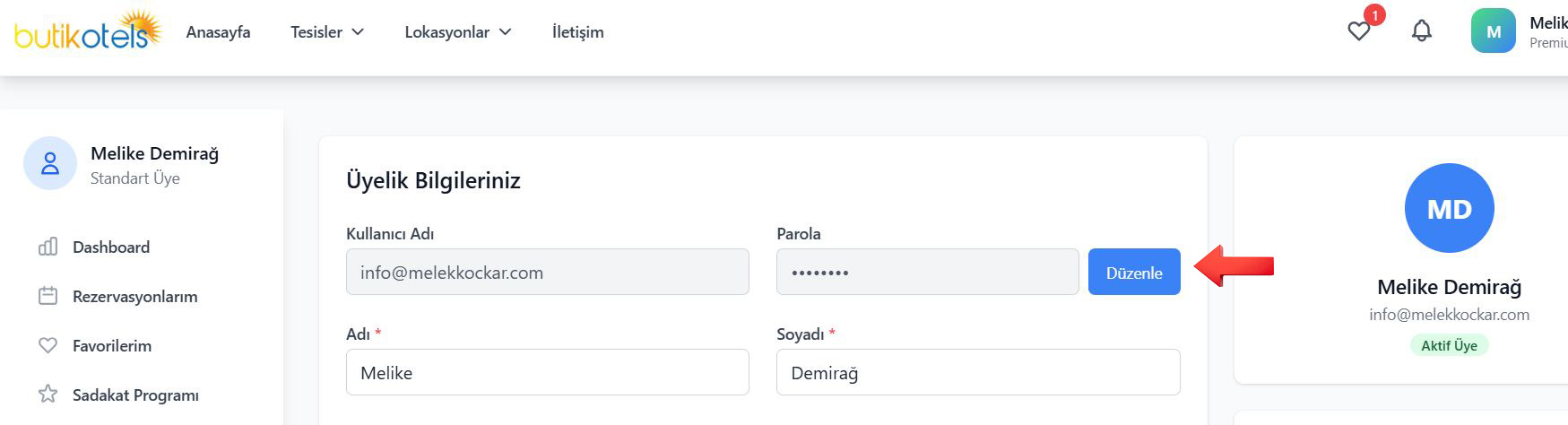
Tip: For a strong password use upper and lower case letters, numbers and special characters.
We're here for your booking
Talk to our team at any step — from picking a hotel to paying for it.
Vedat Günyol Cad. Defne Sk. No: 1 Flora Residance Daire: 1506 Kat:15 Ataşehir/İstanbul
info@butikotels.comPartnerships